Roastgate
Roastgate is a web UI that drives the nginx installed on your server. It runs in a Docker container next to nginx and manages:
- Reverse proxies: forward a domain to an application or a container.
- Sites: serve static files (a website, a single page application).
- IP whitelists: restrict a proxy or a site to some addresses.
- Let's Encrypt certificates: get, renew and delete them.
Roastgate never uses a format of its own: it reads and writes the regular nginx files. Your /etc/nginx stays the source of truth, so you can keep editing the files by hand, and stop using Roastgate at any time without losing anything.
Alpha
Roastgate is in its 0.x alpha releases: settings, the database schema and the behaviour can change between versions. Back up the data volume before each update.
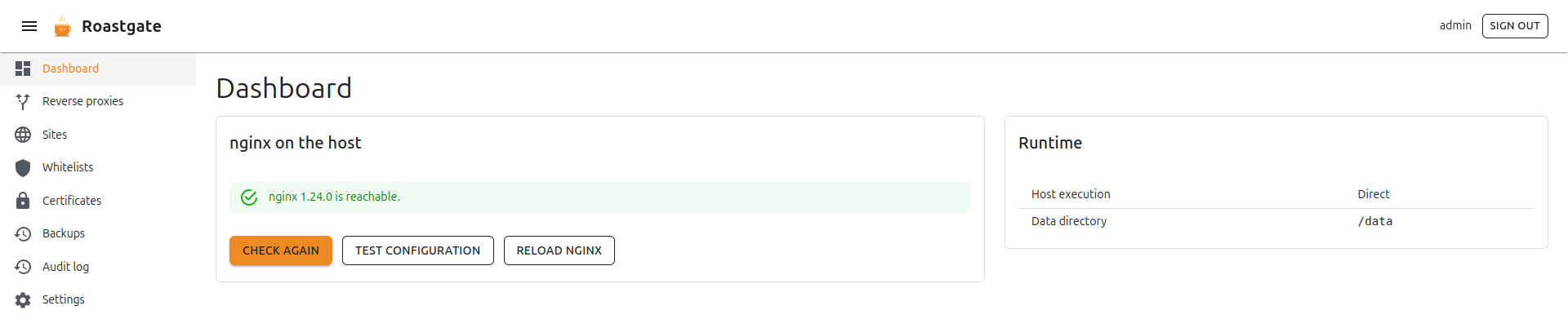
What it manages
| Area | Content | Where | Enabled when |
|---|---|---|---|
| Reverse proxies | server blocks | conf.d/<name>.conf | the file ends with .conf (not .conf.disabled) |
| Sites | server blocks | sites-available/<name> | a symlink exists in sites-enabled/ |
| Whitelists | allow <ip>; lines | whitelists/<name>.conf | a config includes it |
| Certificates | Let's Encrypt | /etc/letsencrypt | a config points at it |
Debian and Ubuntu layouts (conf.d/, sites-available/, sites-enabled/) are supported.
A safe change cycle
Every change made from Roastgate (save, enable, disable, delete, restore) follows the same cycle:
- The previous content is kept as a backup (the 30 most recent per file), see Backups.
- Writes are atomic (temporary file, then rename) and keep the original file permissions.
- If
nginx -tfails, the change is undone and the nginx error is shown. nginx keeps running with the previous configuration. - If
nginx -twas already failing for a reason unrelated to your change, the change is undone too, and Roastgate tells you so.
Where to start
- Install Roastgate on your server.
- Run the first setup.
- Create your first reverse proxy or site.
- Protect your account with two-factor authentication or a passkey.